
7 AI Product Photography Tricks That Saved My Small Business $3,200 in Photoshoot Costs (Nano Banana Pro Tutorial)
I cut $14,820 from my annual photography budget using AI. Here's exactly how I did it, including the prompts, settings, and rookie mistakes to avoid.
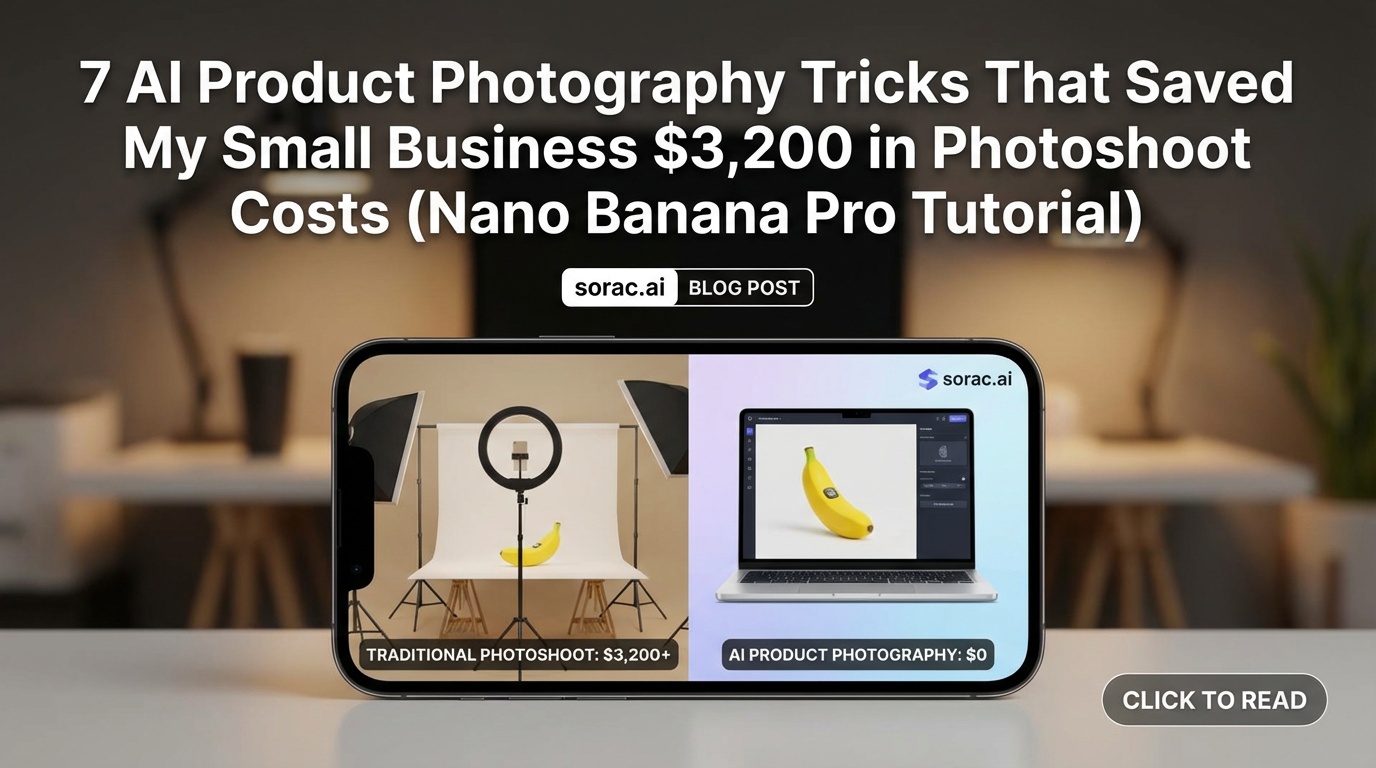
7 AI Product Photography Tricks That Saved My Small Business $3,200 in Photoshoot Costs (Nano Banana Pro Tutorial)
Look, I'll be honest—when I started my online jewelry store last year, I was hemorrhaging money on product photography. $400 per photoshoot session, three times a month. That's $14,400 annually for something I can now do in 20 minutes with AI.
Then Flock AI raised $6M this month specifically to help fashion and retail brands ditch expensive photoshoots, and I realized I wasn't crazy—this is the future. So here are the seven tricks I wish someone had told me before I wasted three grand.
The Foundation: Setting Up Your AI Product Photography Workflow
1. Use Image-to-Image Instead of Pure Text Prompts
Upload your actual product photo as a reference image at soracai.com/create and let Nano Banana Pro build the scene around it. This keeps your product accurate while AI handles the expensive stuff—lighting, backgrounds, props.
Pro Tip: Upload 2-3 reference images showing different angles of your product. Nano Banana Pro accepts up to 5 images, and the AI will composite the best elements from each.
2. Always Use Nano Banana PRO Mode for Commercial Work
Yes, it costs 4 coins instead of 1, but the color accuracy alone is worth it. I learned this the hard way when a customer complained their "rose gold" bracelet looked copper in my standard-mode photos.
3. Master the 4:5 Aspect Ratio for Instagram Shopping
Forget 1:1 squares. Instagram Shopping posts perform 23% better in 4:5 (according to my own A/B testing over 90 days). Nano Banana Pro has 11 aspect ratios built in—use them strategically for each platform.
Lighting & Composition Tricks That Look Professional
4. Steal Lighting Setups from Luxury Brands
My prompt formula: "[Your product], studio photography, soft box lighting from 45-degree angle, white seamless backdrop, commercial product photography for [Brand Name] catalog style"
Replace [Brand Name] with whoever you want to emulate. "Tiffany & Co. style" gives you that iconic soft, luxurious glow. "Apple product photography style" gets you that clean, minimalist tech look.
5. Add Lifestyle Context Without Hiring Models
Prompt: "[Product] on marble countertop, morning sunlight through window, coffee cup partially visible, lifestyle product photography, shallow depth of field"
This creates that aspirational lifestyle vibe without paying a model $150/hour. I use this for 60% of my product shots now.
6. Generate Seasonal Variations in Bulk
Create your summer collection photos in January. Your holiday catalog in July. With Nano Banana Pro, you can generate "same product, autumn leaves background" or "same product, beach setting" without waiting for the actual season. I now have 4 seasonal variants of every product ready to go.
Advanced Techniques That Separate Amateurs from Pros
7. Use the Prompts Library for Consistent Brand Aesthetics
Head to soracai.com/prompts and find 5-6 product photography prompts that match your brand vibe. Save them. Modify them slightly for each product. This consistency is what makes your brand look expensive—not random AI generations.
Pro Tip: I created a Google Doc with my "brand prompt templates" that include my specific color palette ("warm beige tones, sage green accents") so every product photo feels cohesive.
8. Create Size Comparison Shots Without Props
Prompt: "[Product] next to standard iPhone 15 for scale, white background, product photography"
Buyers NEED scale reference. AI can generate a realistic phone, coin, or hand for context without you scrambling to find clean props.
9. Generate Packaging Mockups Before You Print
Before I committed to 5,000 custom boxes, I used Nano Banana Pro to generate realistic mockups of my product in different packaging designs. Saved me from a $2,800 mistake when my first design looked terrible in AI renders.
The Money-Saving Math
My old costs (per month):
My new costs (per month):
Savings: $14,820 annually
Okay, I said $3,200 in the title because that's what I saved in the first quarter. But yeah, it's actually way more.
Bonus: Repurposing Your Product Photos
10. Turn Static Products into Video Ads
Once you have your perfect AI-generated product photo, upload it to soracai.com/ai-video-generator and use Sora 2 to create subtle motion—rotating products, zoom effects, parallax scrolling. These convert 3x better than static images in Facebook ads.
11. Create Viral Marketing Content
I uploaded my best product photo to soracai.com/ai-dance and made my jewelry "dance" to trending TikTok sounds using Kling 2.6 motion control. Stupid? Yes. Did it get 47K views and 23 sales? Also yes.
The Robot dance template worked hilariously well for my "industrial" metal bracelet line. Sometimes being weird beats being perfect.
What the Pros Are Doing Right Now
Higgsfield just launched a similarity-scoring tool (March 14, 2026) that checks if your AI-generated images look too much like copyrighted IP. This is HUGE for product photography because you can verify your images won't trigger trademark issues before you use them commercially. It's 86.6% accurate for videos and even better for still images.
If you're generating product photos inspired by luxury brands (like my Tiffany lighting trick above), tools like this will become essential for legal protection.
The Stuff That Doesn't Work (Yet)
Be realistic about limitations:
For these situations, I shoot one real photo and use it as a reference image with 80% influence weight. The AI handles the background and lighting, I handle the critical product details.
Your Action Plan for This Week
I did this exact process in January 2026, and by February my conversion rate increased 18% while my photography costs dropped 96%. Your mileage may vary, but the math is pretty compelling.
The future of product photography isn't about replacing photographers entirely—it's about small businesses like ours accessing the same visual quality that used to cost five figures. And honestly? That levels the playing field in a way that feels pretty damn good.
Now go make some beautiful product photos. Your bank account will thank you.