
10 Most Popular AI Photo Effects in 2025: From Action Figures to Neon Cyberpunk (Nano Banana Pro Tutorial)
Discover the 10 hottest AI photo effects dominating 2025—from action figures to neon cyberpunk. Learn how to create each effect with Nano Banana Pro step-by-step tutorials.
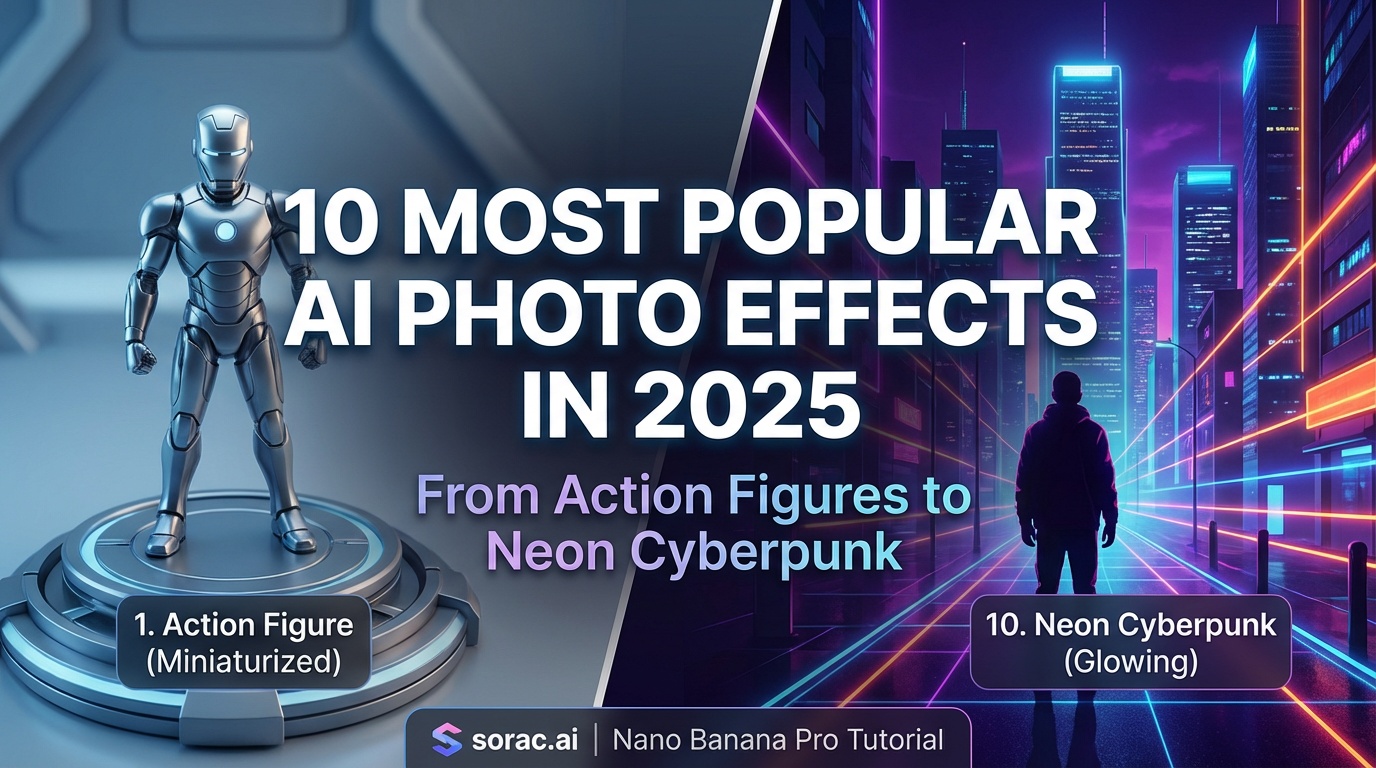
10 Most Popular AI Photo Effects in 2025: From Action Figures to Neon Cyberpunk (Nano Banana Pro Tutorial)
AI photo effects have exploded in 2025, transforming ordinary snapshots into viral masterpieces. From turning yourself into an action figure to creating stunning neon cyberpunk portraits, these trending effects are dominating social media feeds everywhere.
In this guide, we'll explore the 10 hottest AI photo effects of 2025 and show you exactly how to create them using tools like Nano Banana Pro on soracai.com/create.
Why AI Photo Effects Are Taking Over Social Media
AI photo generators have become incredibly powerful in 2025. With advanced models like Nano Banana 2 and Kling Image 3.0, you can now create professional-quality transformations in seconds. These effects aren't just fun—they're helping creators stand out on TikTok, Instagram, and YouTube with eye-catching content that stops the scroll.
Let's dive into the most popular effects right now.
1. 3D Action Figure Effect
The action figure trend has taken TikTok by storm. This effect transforms your selfies into collectible toy portraits, complete with packaging mockups and that classic plastic sheen.
How to create it:
Pro tip: Use Nano Banana PRO mode (4 coins) for enhanced texture fidelity that makes the plastic details really pop.
2. Neon Cyberpunk Glow
Cyberpunk aesthetics are huge right now, with neon-soaked portraits creating that futuristic sci-fi vibe. Nano Banana 2's 4K capabilities make these effects especially stunning with accurate color reproduction and zero artifacts.
Best prompts to try:
Creating neon effects on Nano Banana Pro:
3. Chibi Anime Filter
The chibi anime style—with oversized heads and cute proportions—has become the go-to filter for profile pictures. Kling Image 3.0's detail consistency makes it perfect for creating adorable anime versions of yourself.
Key features:
Prompt example: "Chibi anime style portrait, big eyes, cute proportions, pastel colors, kawaii aesthetic, soft lighting"
4. AI Squish Effect
This playful distortion effect has gone viral for creating meme-ready thumbnails. The squish effect stretches and compresses portraits in hilarious ways, perfect for comedic content.
Best uses:
While dedicated squish tools exist, you can achieve similar distortion effects by combining Nano Banana Pro with creative prompts describing stretched or compressed perspectives.
5. AI Ghostface Effect
The viral Ghostface killer effect adds the iconic horror character to your photos in creative ways. It's been trending massively on TikTok for spooky-funny content.
Try it at soracai.com/trends/ghostface to add this viral effect to your photos instantly.
6. Homeless Man Transformation
This hilarious effect has creators laughing at dramatic before-and-after transformations. It's become a trending meme format across social platforms.
Check it out at soracai.com/trends/homeless-man for quick transformations that'll make your followers do a double-take.
7. AI Girlfriend/Boyfriend Generator
One of the most searched AI effects lets you generate realistic photos with an AI-created partner. It's perfect for funny content or creative storytelling.
Available at:
These effects use advanced AI to seamlessly add a partner into your photos with realistic lighting and positioning.
8. HDR Hyperrealistic Portraits
HDR effects with enhanced lighting create magazine-quality portraits that look professionally shot. Nano Banana 2's improved fidelity makes these especially impressive.
Tips for best results:
9. AI Dance Videos
While technically video, the AI dance trend deserves mention as one of 2025's biggest effects. Transform static photos into dancing videos using motion control technology.
Why it's so popular:
How to create dancing videos:
Perfect for creating viral content that gets thousands of views!
10. Cinematic Story Sequences
Kling Image 3.0's narrative capabilities let you create entire photo series from single prompts—like storyboards for mini-movies. This is perfect for creators building visual stories or presentations.
Use cases:
Pro Tips for Better AI Photo Effects
Whether you're using Nano Banana Pro or other AI tools, these tips will improve your results:
1. Write Detailed Prompts
Don't just say "make it cool." Instead: "Cyberpunk portrait with neon blue and pink rim lighting, rain droplets, cinematic depth of field, 4K quality."
Browse soracai.com/prompts for 1000+ curated prompt examples you can copy and customize.
2. Use Reference Images
Nano Banana Pro lets you upload up to 5 reference images to guide the AI. This dramatically improves accuracy and style matching.
3. Choose the Right Aspect Ratio
Soracai offers 11 aspect ratios:
4. Upgrade to PRO Mode for Important Work
Nano Banana PRO mode (4 coins vs 1 coin standard) delivers:
For viral content or client work, the upgrade is worth it.
Creating Video Content with Your AI Photos
Once you've created stunning AI photos, take them further with video:
Sora 2 Text-to-Video at soracai.com/ai-video-generator lets you create animated videos from text descriptions. Choose portrait (9:16) for TikTok or landscape (16:9) for YouTube, with 10 or 15 frame duration options.
The Future of AI Photo Effects
As we move through 2025, AI photo technology continues advancing rapidly. Models like Nano Banana 2 and Kling Image 3.0 are pushing boundaries with better quality, faster generation, and more creative possibilities.
The key is experimenting with different effects, learning what resonates with your audience, and staying on top of trending styles.
Start Creating Today
Ready to try these viral AI photo effects yourself? Here's where to start:
Soracai uses a simple coin-based system—no subscriptions needed. Standard generation costs just 1 coin, PRO mode is 4 coins, and dance videos are 8 coins. Pay only for what you use.
Which AI photo effect will you try first? The action figure look for your profile pic? Neon cyberpunk for your next post? Or maybe turn your dog into a dancing sensation? The possibilities are endless, and the tools have never been more accessible.
Start creating viral-worthy content today and join millions of creators using AI to stand out on social media!