
What is the AI Barbie Box?
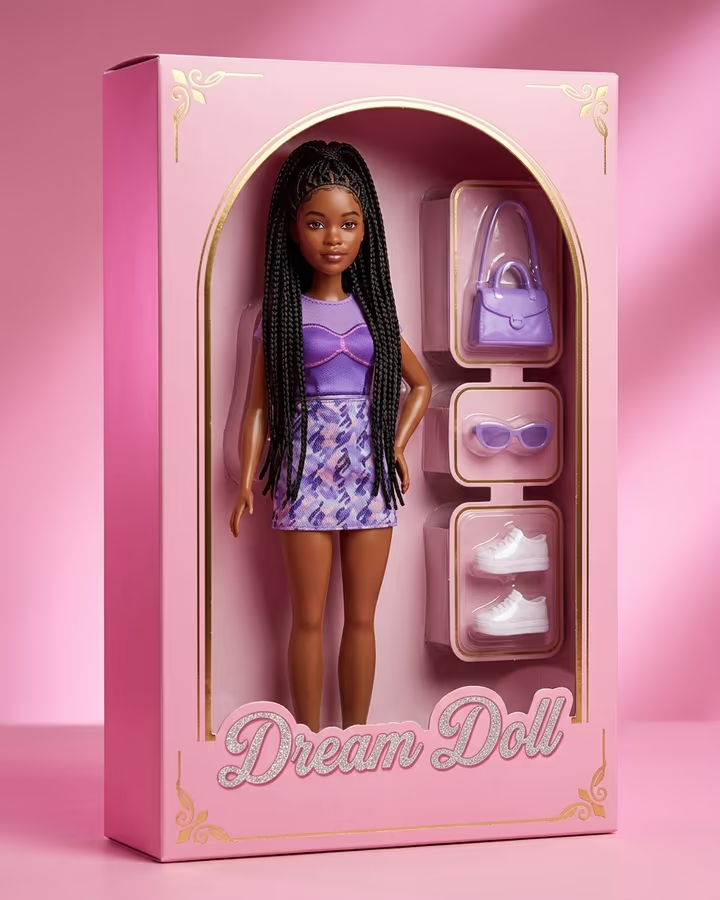
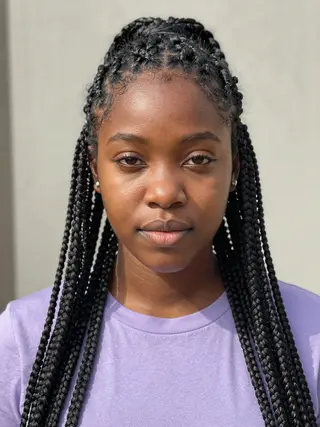
This template answers the "AI Barbie box" search with a doll box of its own. Upload a photo and the image model turns you into a glossy fashion doll standing upright in a pink cardboard box with a rounded arch top and a clear plastic window. Your outfit becomes a doll-sized version of your style, and the side compartments hold a matching handbag, sunglasses and shoes. The box title reads "Dream Doll" in sparkly script, and there are no brand logos anywhere.
To be clear: Soracai is not affiliated with, sponsored by or endorsed by Mattel, and this template does not reproduce the Barbie name or logo. Barbie is a trademark of Mattel. We use the term only because it is how people search for this style.
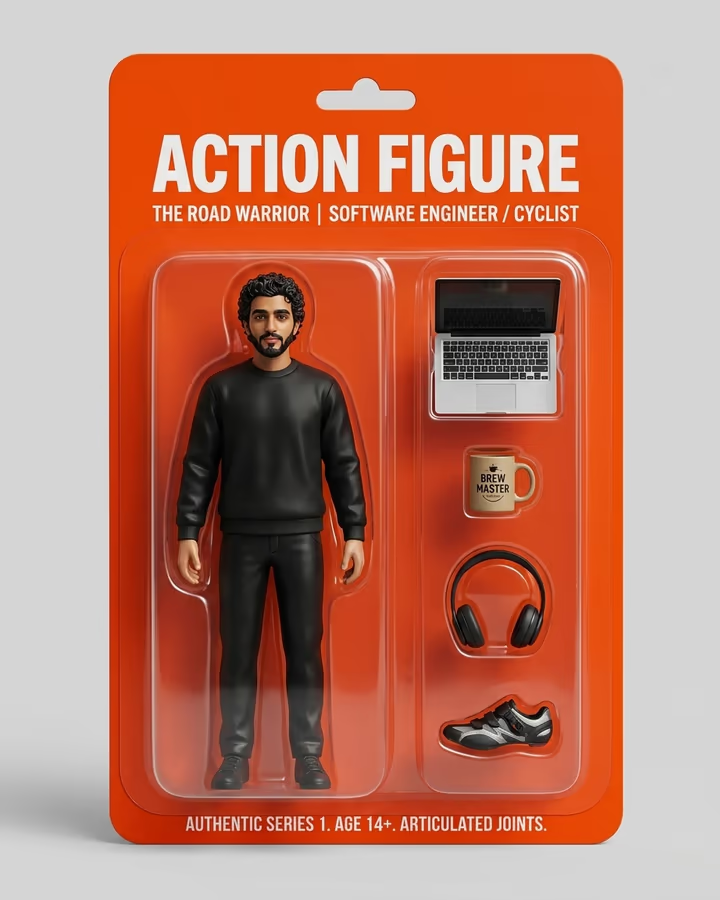
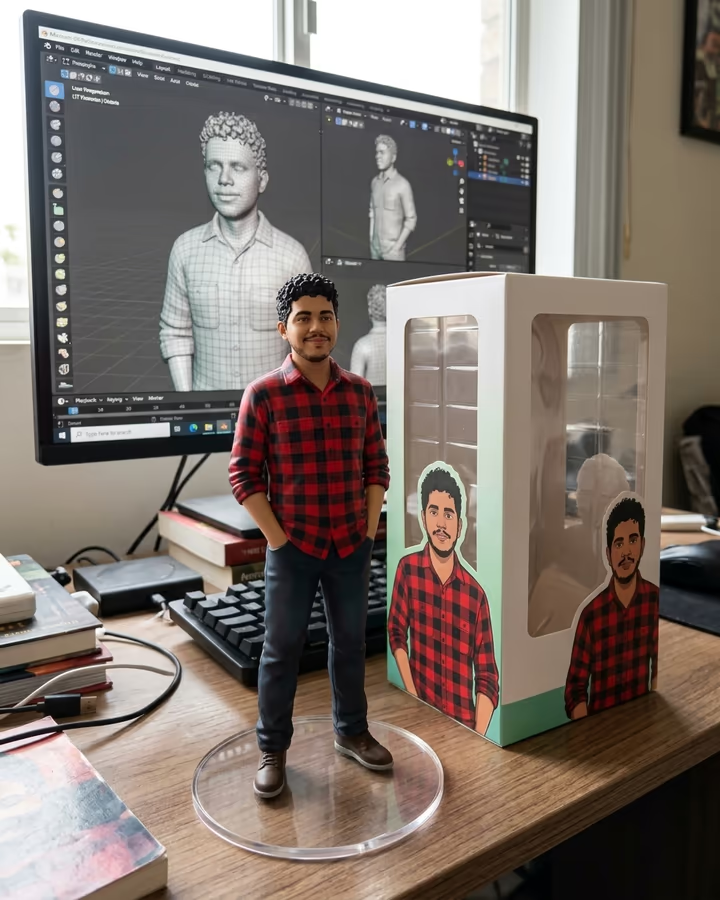
The doll-in-a-box idea has been around for years as filters and selfie booths, and it surged around the 2023 film, when fans framed themselves in pink life-size boxes at cinemas and events. In 2025 it came back as an AI image trend next to action-figure and figurine posts, now with the doll fully redrawn as plastic instead of a photo pasted into a frame. The result here is made to look like a studio product shot, lit in soft pink, so it reads as a real collectible.
How the doll box is made
One image edit with Nano Banana 2 does the whole thing. The prompt turns the person in your photo into a fashion doll with glossy plastic skin and hair while keeping the face recognizable, dresses the doll in an outfit inspired by your own, and places it in a pink windowed box with small compartments for a handbag, sunglasses and shoes.
It also fixes the branding: the title on the box is a generic "Dream Doll" script and the prompt asks for no logos. The output is a 4:5 studio product photo at 1K, delivered in about 20 to 40 seconds and saved to your Creations without a watermark.
Trademark note and fair use of the result
Barbie is a registered trademark of Mattel, and this template is not connected to Mattel in any way. The box it creates uses an original design and a generic title so the image doesn't pretend to be an official product.
When you share your result, avoid adding official logos or presenting it as licensed merchandise. Keep it personal: your look, your accessories, your box. Only upload photos of yourself or adults who agreed, and don't use the result to embarrass or mislead anyone. Uploads are stored in Firebase Storage (Google Cloud) under your account so the run can happen; they are not public, and you can email support to request deletion. To run the effect, a copy is sent to our AI model provider (kie.ai); result files are kept for 14 days, so download what you want to keep.