
Seedance 2.0 Audio-Video Sync Explained: Why Simultaneous Rendering Beats Cascaded Models for Dance Content (2026 Technical Breakdown)
Seedance 2.0's simultaneous audio-video rendering eliminates sync issues that plague traditional AI dance videos. Learn how it compares to cascaded models and physics-based approaches.
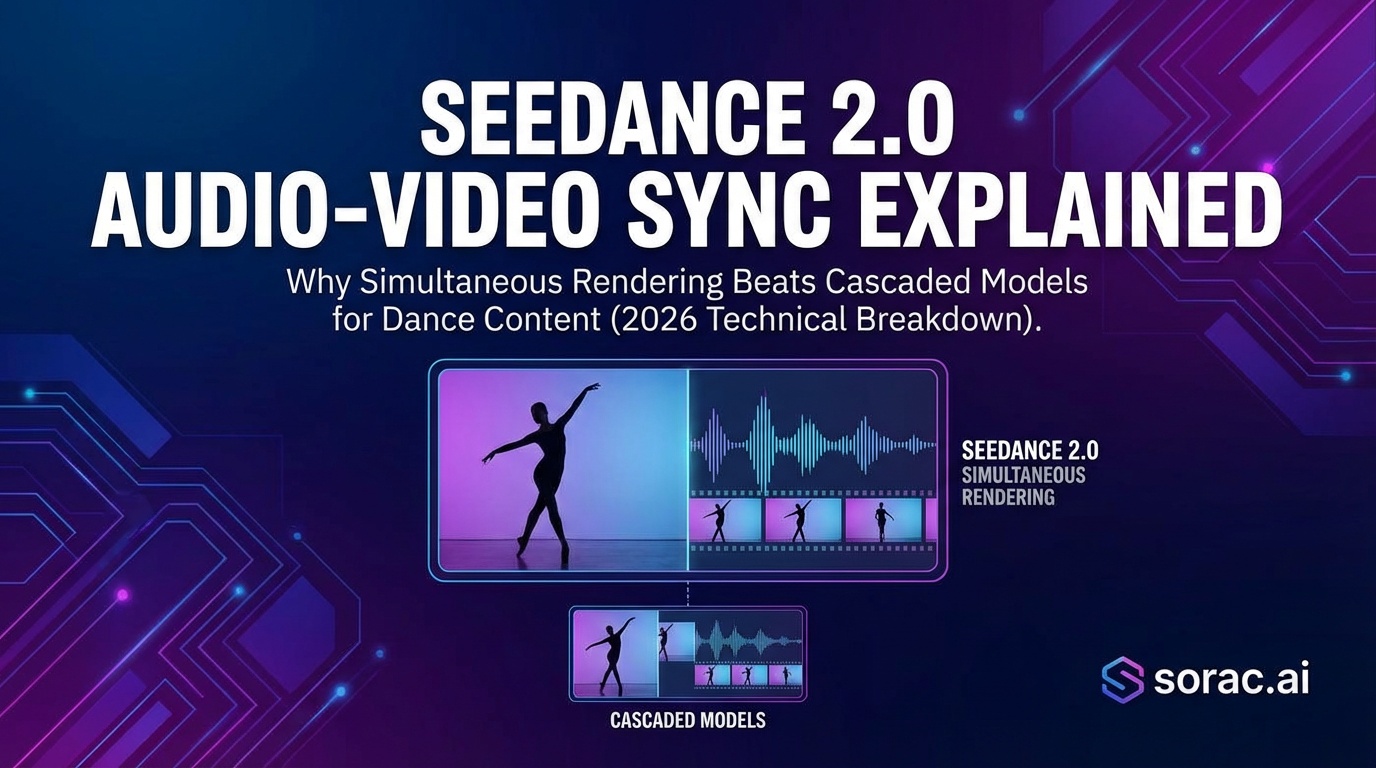
Seedance 2.0 Audio-Video Sync Explained: Why Simultaneous Rendering Beats Cascaded Models for Dance Content (2026 Technical Breakdown)
If you've ever created AI dance videos and noticed the audio drifting out of sync or lips moving at the wrong time, you're not alone. This frustrating problem has plagued AI video generation for years—until now. Seedance 2.0 introduces a game-changing approach called simultaneous joint audio-video rendering that eliminates sync issues entirely.
In this guide, we'll break down exactly how this technology works, why it matters for dance content creators, and how it compares to traditional cascaded models used by other platforms.
What Is Simultaneous Audio-Video Rendering?
Traditional AI video generators use what's called a cascaded approach. Here's how it works:
Think of it like recording a song and dance separately, then trying to sync them up later in editing. Sometimes it works perfectly, but often there are tiny delays that make everything feel off.
Seedance 2.0's simultaneous rendering does something completely different. It generates both video and audio in a single forward pass—meaning they're created together at the exact same time, perfectly synchronized from the start.
It's like a live performance where the dancer and music are naturally in sync because they're happening together in real-time.
Why Cascaded Models Struggle with Dance Videos
Dance content is particularly challenging for cascaded models because:
Timing Precision Matters
When someone's feet hit the ground on a beat drop, even a 0.1-second delay is noticeable. Cascaded models often introduce these micro-delays because audio and video are processed separately.
Lip-Sync Failures
If your dance video includes singing or lip-syncing, cascaded models frequently create mouth movements that don't match the audio timing. This happens because the video generation doesn't "know" about the audio while it's being created.
Audio Drift Over Time
Even if a cascaded video starts in sync, longer videos (10+ seconds) often develop increasing drift. By the end of a 15-second clip, the audio might be half a second behind the visual movements.
How Seedance 2.0's Technology Works
Seedance 2.0 uses a unified diffusion model that processes audio and video data simultaneously. Here's what makes it special:
Single Forward Pass Generation
Instead of two separate AI processes, Seedance 2.0 runs one integrated process that understands both visual motion and audio timing from frame one. This means:
Native Audio Understanding
The AI doesn't just add audio afterward—it understands the audio while creating the video. If there's a sudden drum hit, the AI can generate a corresponding body movement at the exact same millisecond.
Comparing Different AI Dance Approaches
Different AI platforms take different approaches to dance video generation. Here's how they stack up:
Kling 3.0: Physics-First Approach
Kling 3.0 (like the Kling 2.6 motion control used in Soracai's AI Dance feature) focuses on realistic physics simulation. It excels at:
This makes it perfect for hip-hop, breakdancing, and action-packed dance styles. Soracai offers 23+ dance templates including Robot, Rockstar, and breakdancing styles that take advantage of this physics-based approach.
Seedance 2.0: Narrative-First Approach
Seedance 2.0 prioritizes:
This makes it ideal for story-driven dance content, music videos with singing, and multi-scene choreography.
Which Should You Choose?
Choose physics-based models (like Kling 2.6 on Soracai) when:
Choose audio-sync models (like Seedance 2.0) when:
How to Create Synced Dance Videos on Soracai
While Seedance 2.0 focuses on audio-sync, you can create perfectly timed dance videos using Soracai's AI Dance tool with these steps:
Step 1: Prepare Your Photo
Upload a clear photo with:
You can even use AI-generated images from Nano Banana Pro if you want to create entirely fictional dancing characters.
Step 2: Choose Your Dance Style
Select from 23+ templates including:
Step 3: Generate and Download
The AI processes your video in 2-5 minutes using Kling 2.6 motion control. The result is a dance video with realistic physics and smooth motion at just 8 coins per video.
Beyond Dance: Other AI Video Options
If you need different types of video content, Soracai offers additional tools:
Text-to-Video with Sora 2
Create custom videos from text descriptions using Sora 2 Video Generator. Choose portrait mode (9:16) for TikTok or landscape (16:9) for YouTube.
Trending AI Effects
Explore viral transformations on the Trends page:
The Future of Audio-Video Sync in AI
Simultaneous rendering represents the future direction of AI video generation. As models continue improving, we'll see:
Getting Started Today
Ready to create your own AI dance videos? Here's what to do:
With Soracai's coin-based pricing (no subscription required), you can experiment with different styles affordably. Standard images cost just 1 coin, while dance videos are 8 coins each.
Conclusion
Seedance 2.0's simultaneous audio-video rendering solves one of AI video generation's biggest challenges—sync accuracy. By generating both modalities together rather than separately, it eliminates drift, lip-sync failures, and timing issues that plague cascaded models.
While different approaches serve different needs (physics-based for viral clips, audio-sync for music videos), understanding these technical differences helps you choose the right tool for your creative vision.
Whether you're using Seedance 2.0's audio-sync technology or Soracai's Kling 2.6-powered dance generator, the AI video revolution is making professional-quality dance content accessible to everyone—no choreography skills required.